
Google Local Services Ads for Contractors: Stop Paying for Useless Clicks and Start Paying for Calls (2026 Guide)
By Deepak Jaiswal | Local Business Growth Specialist Reading Time: 11 Minutes
Let me ask you a painful question. How much money did your home service business waste on Google Ads last month?
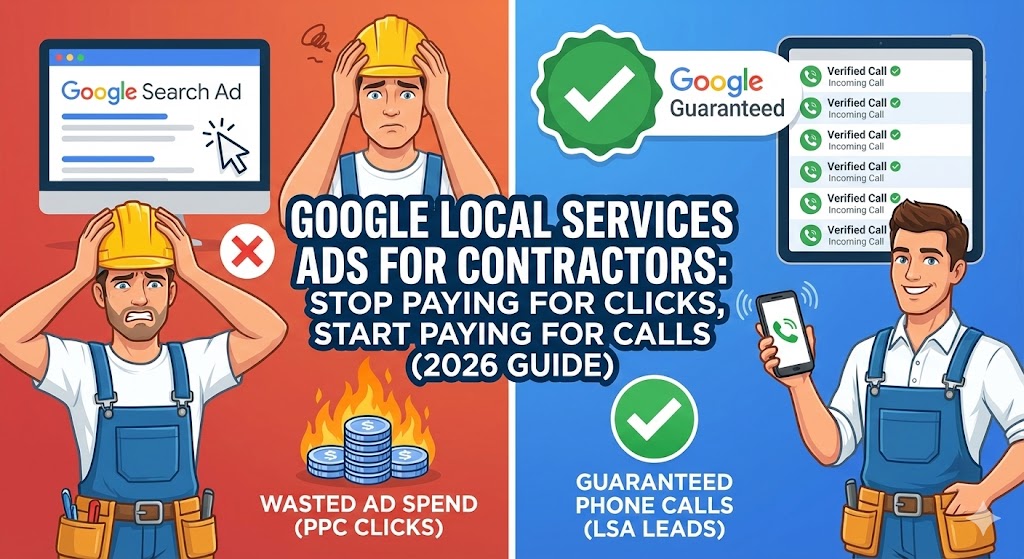
If you are running a standard Pay-Per-Click (PPC) campaign for your plumbing, HVAC, or roofing business without knowing exactly what you are doing, you are probably bleeding cash. You bid on a keyword like “plumber near me.” You pay Google $40 for a single click. The homeowner lands on your website, gets distracted by their dog, and closes the tab.
Boom. You just lost $40, and your phone never rang.
In the home services industry, paying for “website visitors” is a scam. You don’t need traffic. You need phone calls. You need a frantic homeowner with a broken AC unit in the middle of July screaming into the receiver, “How fast can you get here?”
This is exactly why Google Local Services Ads for contractors (LSAs) completely changed the game. If you are not running LSAs right now, your competitors are literally stealing the best jobs in your city right out from under your nose.
In this guide, I am going to tear down the old way of running Google Ads and show you how to dominate the very top of the search results using the “Google Guaranteed” program.
The Math: Why LSAs Destroy Traditional PPC
Look at any Google search result for a home service today. What is at the absolute top? It is not the organic SEO results. It is not even the traditional text ads.
It is a row of three boxes featuring a green checkmark that says “Google Guaranteed.” These are Local Services Ads.
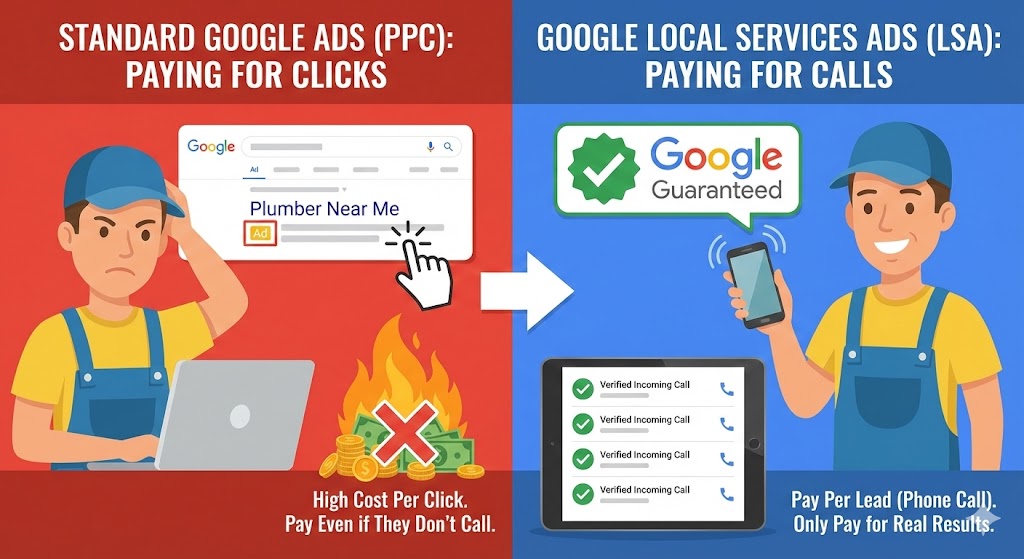
The biggest difference between standard PPC and LSAs is the billing model. With traditional ads, you pay every time someone clicks your link. With LSAs, you only pay when a qualified customer actually calls your business and speaks to you. If they click your ad but don’t call, Google charges you $0.
Data Table: Standard Google Ads vs. Google LSAs
| Feature | Standard Google Search Ads (PPC) | Google Local Services Ads (LSA) |
| Placement | Below LSAs | Absolute Top of Page (Above everything) |
| Billing Model | Pay Per Click (PPC) | Pay Per Lead (Valid Phone Calls Only) |
| Trust Factor | Just another text ad | “Google Guaranteed” Badge (High Trust) |
| Management | Requires heavy keyword tweaking | Automated (Based on job types/zip codes) |
| Refunds for Bad Leads | Extremely difficult to get | Easy (Just dispute the call in the dashboard) |
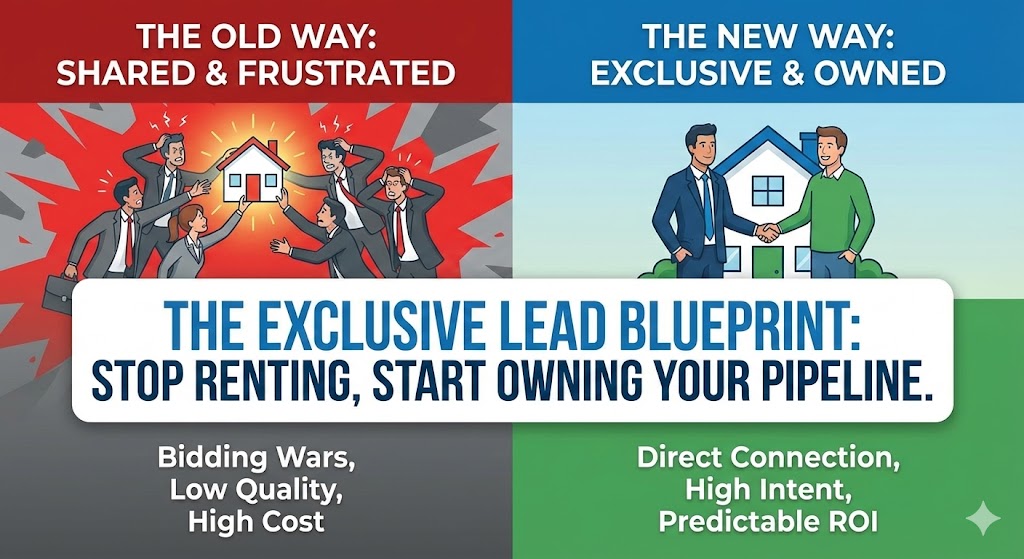
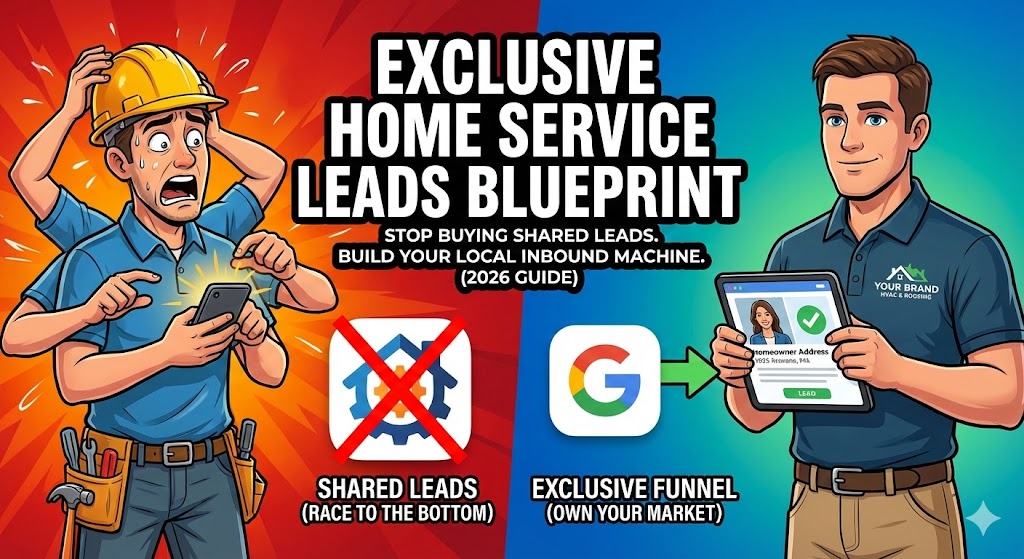
Running LSAs is the absolute fastest way to stop relying on terrible platforms like HomeAdvisor. If you haven’t already made the decision to ditch shared leads, you need to read my complete breakdown on why building a system for exclusive home service leads is the only way to scale past 7-figures.
Step 1: Surviving the "Google Guaranteed" Background Check
Google does not just let anyone run these ads. Because they are putting their own brand on the line with the “Google Guaranteed” badge (which covers the customer up to $2,000 if you mess up the job), they heavily vet your business.
This barrier to entry is actually a massive advantage for you. It keeps the cheap, unlicensed “chuck-in-a-truck” contractors out of the ad space.
To get approved, you must pass:
Background Checks: You, and often your field workers, must pass a third-party criminal background check.
License Verification: You must upload your active state and local contracting licenses.
Insurance Proof: You must provide proof of general liability insurance.
Do not drag your feet on this. The approval process can take 2 to 4 weeks. Get your paperwork organized, submit it through the LSA dashboard, and get it done.
Step 2: The Art of the Dispute (Never Pay for Junk)
One of the greatest features of Google Local Services Ads for contractors is the dispute button.
Sometimes, people call the LSA tracking number for the wrong reason. A competitor might call to spy on your pricing. A solicitor might call to sell you SEO services. Someone might call looking for a job.
With standard Google Ads, you still pay for that click. With LSAs, you can simply log into your dashboard, click on that specific call recording, and hit “Dispute.” You tell Google, “This was a solicitor, not a customer.” Google reviews the call recording, agrees with you, and refunds the cost of the lead back to your account.
You are literally only paying for legitimate homeowners who need your specific services. It is the highest ROI marketing spend in the home services industry.
Step 3: Hacking the LSA Ranking Algorithm
Once you are approved, you will notice you aren’t the only one with a green checkmark. You are competing against other approved contractors in your city. So, how does Google decide who gets the #1 spot?
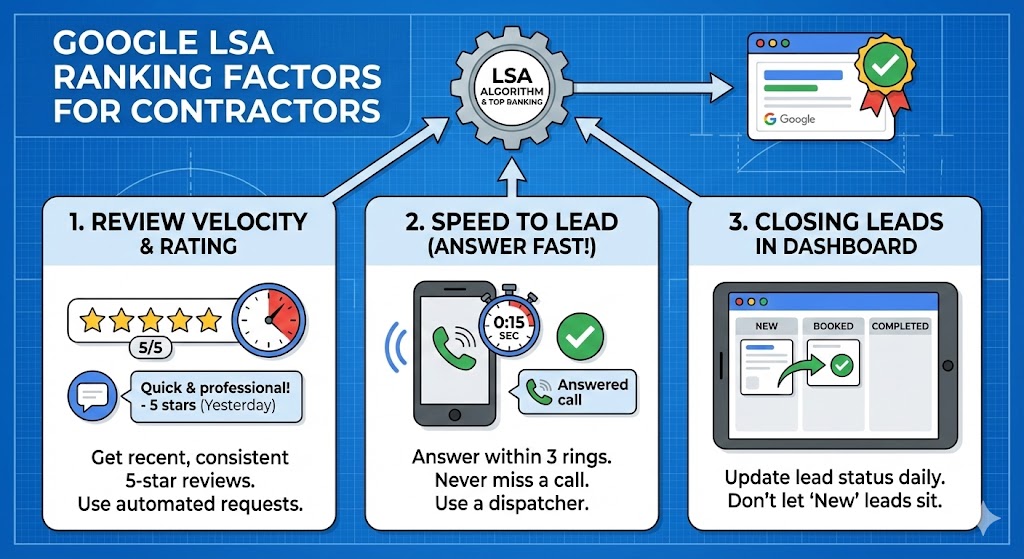
It is not just about who pays the most. The LSA algorithm is heavily based on three operational metrics:
1. Review Velocity and Rating
Having 500 reviews from three years ago is okay, but Google wants to see recent activity. They prioritize contractors who consistently get 5-star reviews every single week. You must build an automated review request system into your dispatch software (like ServiceTitan or Housecall Pro) so every satisfied customer gets a text message asking for a review the second you leave their driveway.
2. Your “Speed to Lead” (Answer the Phone!)
Google tracks how fast you answer LSA calls. If you miss calls, let them go to voicemail, or put people on hold for five minutes, Google will heavily penalize your ranking. They want to send their users to businesses that provide a great experience. If you cannot answer the phone within 3 rings, you need to hire a dedicated dispatcher or a 24/7 home service answering service immediately.
3. Closing Leads in the Dashboard
Google gives you a basic CRM inside the LSA platform. When a call comes in, it is marked as “New.” You must manually go in and update the status to “Booked” or “Completed.” If you leave leads sitting in the “New” column for weeks, Google assumes you are inactive and will stop showing your ad.
Conclusion: Adapt or Lose Market Share
The days of throwing thousands of dollars at broad Google Search campaigns and hoping for the best are completely over.
If you run an emergency home service business, Google Local Services Ads for contractors is not optional; it is mandatory. It puts your brand at the absolute top of the page, builds instant authority with the Google Guaranteed badge, and forces you to only pay when a real prospect dials your number.
Pass the background check, optimize your review collection, answer the damn phone, and watch your dispatch board light up with high-ticket, exclusive jobs.
Need Help Dominating Your Local Market?
Getting approved and managing the LSA dashboard can be a headache if you are busy running crews. My team helps home service contractors launch and optimize their Google LSAs to guarantee a steady flow of high-margin calls. Click below to book a Local Domination Strategy Call.
- All Posts
- Knowledge Hub


Frequently Asked Questions
1. How much does a Google LSA lead actually cost?
It varies heavily by industry and location. A plumbing lead in a mid-sized market might cost $35, while a water damage restoration lead in a major city could cost $150+. Remember, you are paying per qualified call, not per click, so the conversion rate on these leads is astronomically higher than traditional PPC.
2. Do I still need SEO if I am running LSAs?
Yes. LSAs capture the immediate, top-of-funnel emergency traffic. However, many homeowners will see your LSA, then scroll down to check your organic website to verify you are a real, trustworthy local company. A strong SEO presence supports your LSA conversion rates.
3. Can I run standard Google Search Ads AND Local Services Ads at the same time?
Absolutely, and you should. If you have the budget, dominating the entire first page of Google is the ultimate flex. You appear in the LSA box at the top, the traditional PPC text ads right below it, and the Google Map Pack below that. This creates the “Omnipresence” effect.
4. Why did my LSA ad suddenly stop showing?
The most common reasons are: you missed too many phone calls, your budget ran out for the week, your license/insurance expired and you didn’t upload the new documents, or your Google Business Profile received a sudden influx of bad reviews.
5. Can I set my own budget for LSAs?
Yes. You tell Google your maximum weekly budget. Once you hit that budget, they simply pause your ad until the next week. You have total financial control and will never get hit with a surprise bill.